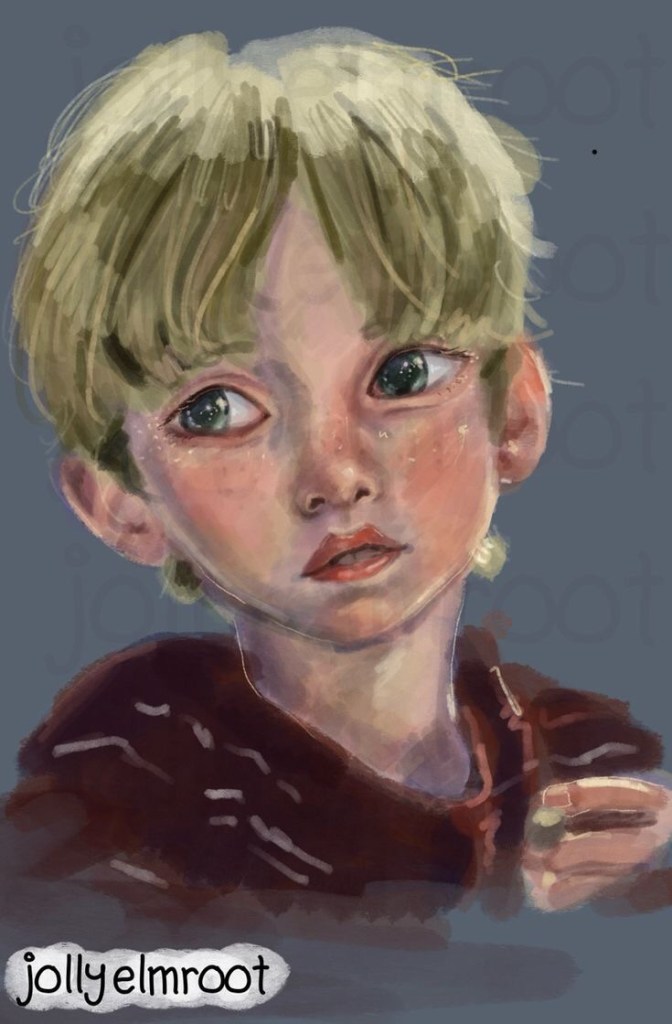
I had just finished a portrait I did in the drawing program called Krita. It had been years since I’ve really drawn on my pc since I always would have my iPad on hand. Well due to circumstances I do not currently have my iPad with me but I didn’t want that to stop me from creating digital art, as I’ve been working on a webcomic and creating digital art is a hobby I enjoy. I do not know when my iPad will be available to me again, so I thought why don’t I get myself used to drawing on my laptop.
The last time I drew on a laptop was when I was in my photoshop class as a sophomore in high school, 4 years ago. I was assigned to do a portrait of whoever I choose and I chose to draw a young black girl. I remember all my peers so amazed at the realism even the teacher was amazed. Back then I used a drawing tablet that I finally got used to after many months of practice. Since then I haven’t used the laptop to draw, instead I turned my focus onto 3D art.
I started exploring 3D art with the famous donut challenge by Blender Guru. I never finished it but I’ve tried other tutorials but eventually I lost grasp of Blender. I even used another program called Vroid which was a 3D anime character creator and I was learning to animate it. I went through so many techno loopholes. Overtime I distanced myself from my laptop turning my attention to my iPad, a device that I’ve always been using since little.
I’ve returned to using my iPad as my laptop collected dust doing what I do best digital art using Procreate. I’ve gotten in my opinion really good at it through the years.
However as I stated earlier I do not have my iPad as of now. For the past couple of days I’ve been testing out Krita. To be honest I didn’t like it, the interface is all complicated compared to the simplicity of Procreate but I had to get past that, testing out which brushes I like the most, figuring out the commands. For the most part it was straight forward, just different. I’m not used to using my laptop to draw, it’s bigger, the keyboard is in the way but I’m thankful that my laptop is a 2-1 touchscreen and that means it’s not necessary for me to get a drawing tablet. I’m happy for that. I think I’ve figured out what position is the most comfortable for me to draw on, which is just the laptop being open the way you would use laptop. I tried folding it into tablet mode but it was uncomfortable since I have to constantly do command Z.
I haven’t started doing advanced stuff in Krita yet, I’ve figured out about layers, how to select and move items, brushes so the most basic operations to get me started. I’ve made multiple test drawings and once I would say I was semi comfortable I wanted to put myself to the test and draw something for real. My test was to see if I can draw a portrait of a person in the same style that I usually do on my iPad on my laptop usibg Krita. In my opinion I may have more artworks to do before I can get used to Krita, but for a first time portrait I think I did okay. I have many more to do especially if I don’t get my iPad soon so I mind as well buckle up and go with the flow.
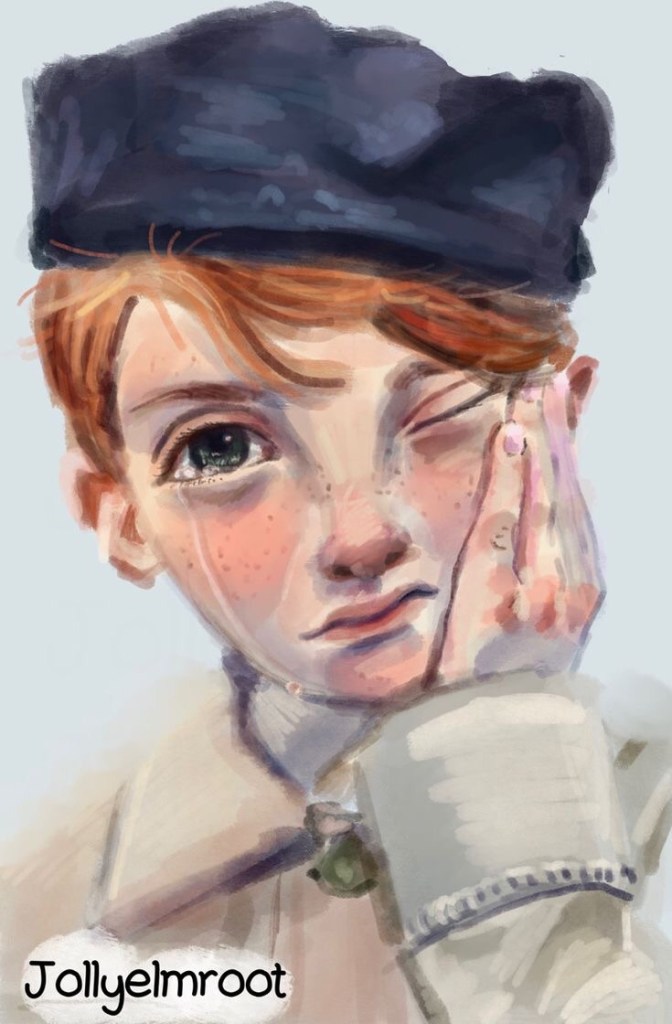
The first few drawings are from my iPad, they can also be viewed on my socials as well. The last drawing is the one I did using Krita.


 jollyelmroot
Leave a comment